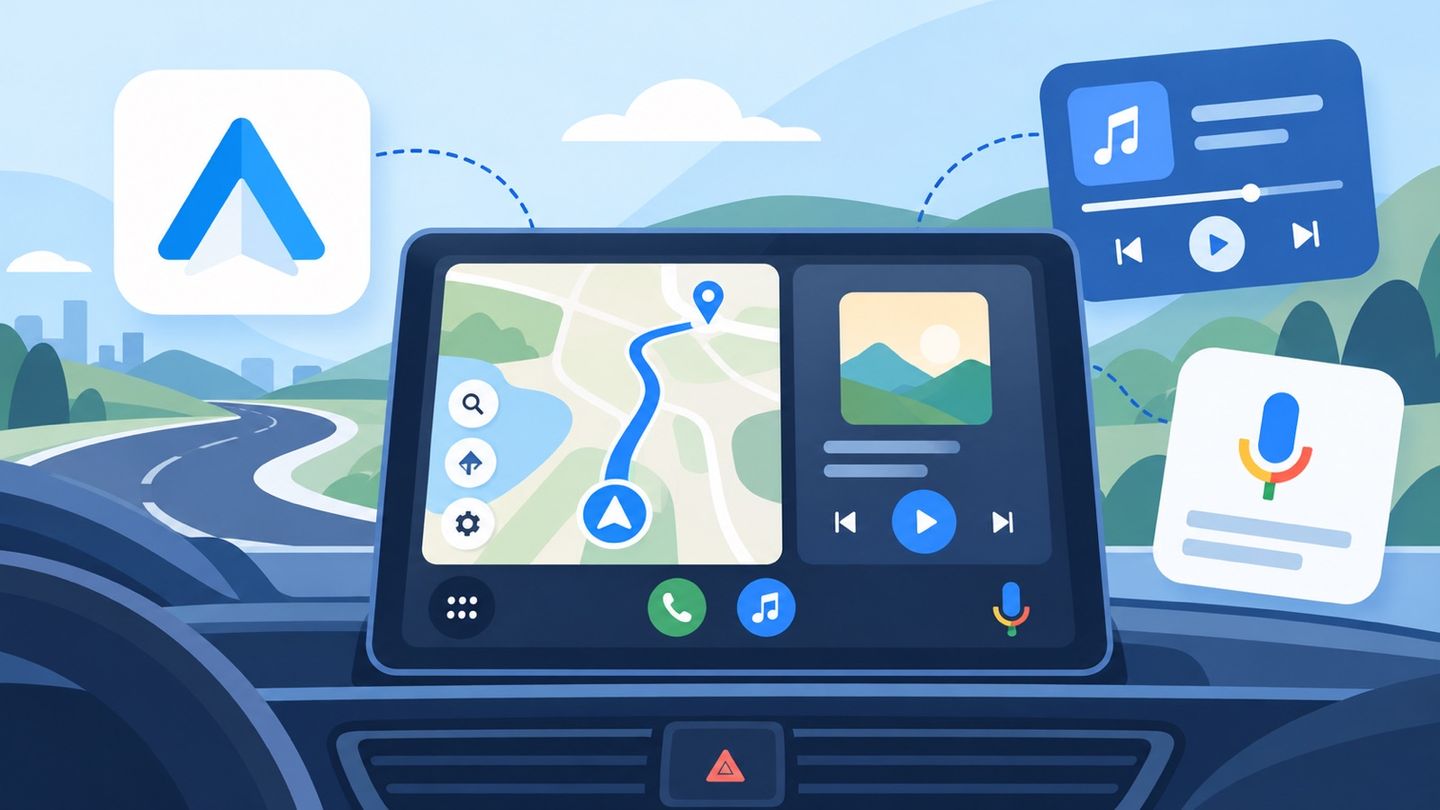
The Short View
Android Auto serves as a driving companion, simplifying access to essential phone apps. It's best suited for in-car use, offering voice-controlled navigation and media playback for a more focused driving experience.
How It Fits Into Real Use
Navigate commutes easily
Quickly get directions and traffic updates via voice command on your car's display, keeping your focus on the road ahead.
Manage music playback
Control your favorite music apps using voice, allowing for hands-free selection and playback during drives.
Stay updated on calendar
Have Google Assistant read your schedule or set reminders, ensuring you're aware of appointments while driving.
Strengths and Limits
Strong Points
- Voice control for core functions, enhancing safety on the road.
- Integration with popular navigation and media apps for convenience.
Limits to Consider
- Requires a compatible car and a phone running Android 6.0 or higher.
- Functionality is limited to when the phone is connected via USB.
Who Will Get the Most From It?
- Daily commuters seeking easier navigation
- Drivers who want to control music without distractions
- Individuals who use Google Assistant for daily tasks
Final Field Note
Android Auto is primarily for drivers needing streamlined access to phone functions. Its strength lies in voice-driven control, but requires specific hardware and a wired connection for optimal use.
 Android AutoDetails