The Short View
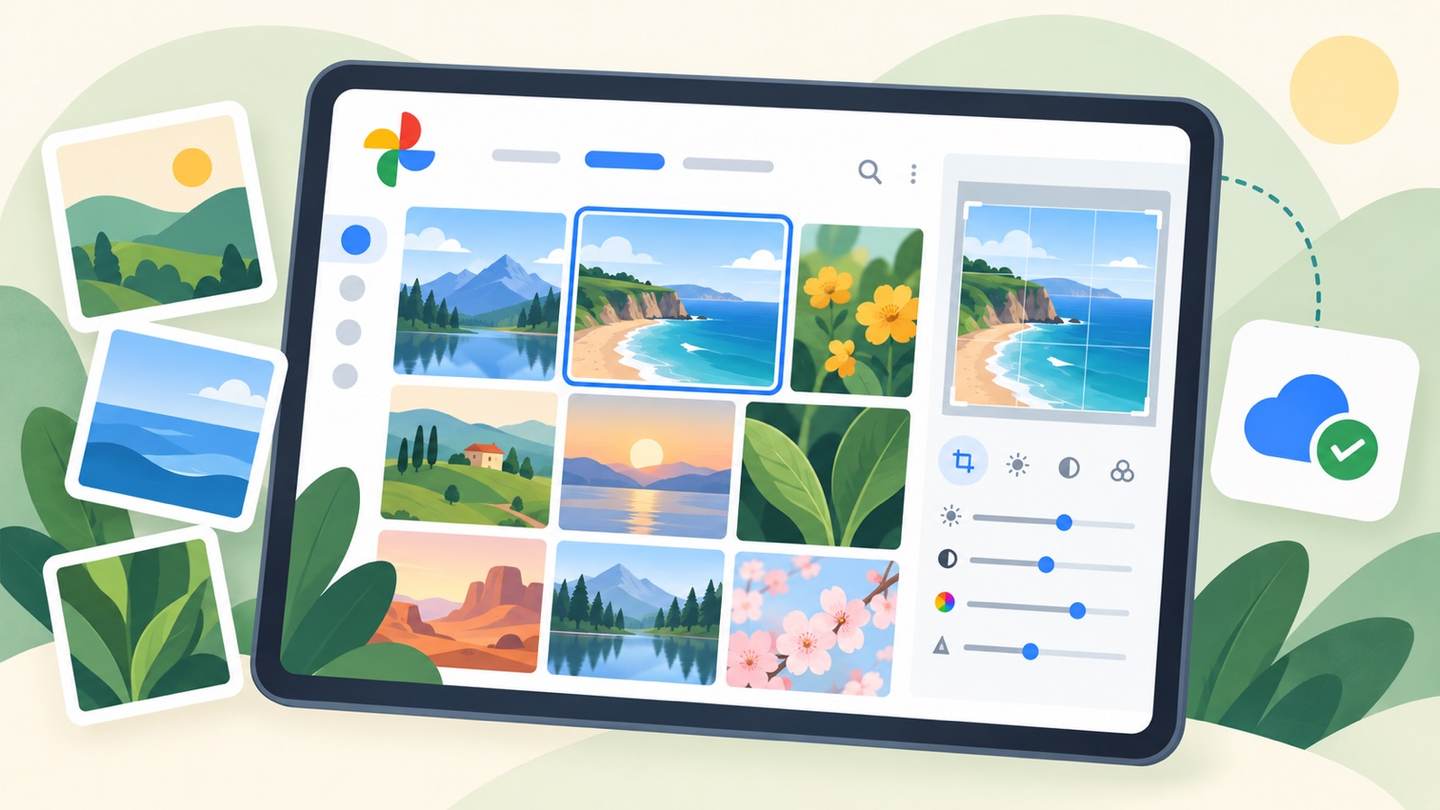
Google Photos offers AI-powered tools for organizing, editing, and safeguarding your images and videos. It suits those needing to manage a large photo library on their mobile device.
How It Fits Into Real Use
Back up photos automatically
Users can ensure memories are saved securely in the cloud, preventing loss from device failure or theft.
Edit photos with AI
Quickly improve image quality, remove distractions, or adjust lighting directly on a phone for better results.
Free up phone storage
Safely remove backed-up photos from a device to reclaim space, crucial for phones with limited capacity.
Strengths and Limits
Strong Points
- Generous free cloud storage for automatic backups.
- AI editing tools offer quick image enhancements on the go.
Limits to Consider
- Shared storage across Google services may fill quickly.
- Advanced editing may still require dedicated software.
Who Will Get the Most From It?
- Casual photographers wanting to preserve memories.
- Users with large photo libraries needing organization.
- Individuals seeking simple, effective mobile photo editing.
Final Field Note
Google Photos is ideal for consolidating and enhancing mobile photo collections. It serves users who value automatic backup and easy editing, though its shared storage has limits.
 Google PhotosDetails