About This App
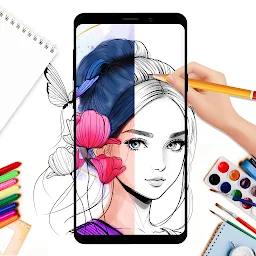
ArtRage Vitae offers realistic painting effects. It helps users overcome limitations of digital art by simulating natural media for a better creative experience.
How to Install
Tap the download button on this page. Follow the on-screen instructions to download and install the app. Once installed, open the app and complete any initial setup.
Why Choose
Realistic paint mixing
Experience natural color blending for oil paints and watercolors, allowing for authentic artistic expression and detailed gradients.
Extensive tool options
Utilize a wide array of natural and digital tools, each with adjustable properties, to match your preferred sketching and painting styles.
Layer management
Employ multiple layers with blend modes and effects for complex compositions, offering greater control over your digital artwork.
Is It Right for You?
Choose It If
- You prefer natural media simulation
- You need advanced layer controls
- You want a large canvas
Think Twice If
- You need simple, basic drawing
- You require cloud synchronization
Good to Know First
- The app requires storage access to save and open files.
- ArtRage Vitae can be used offline.
- It is compatible with desktop versions of ArtRage.
The Bottom Line
This app suits artists seeking realistic digital painting. Its natural media simulation and extensive tools offer a fluid experience, though simpler drawing needs might find it extensive.