About This App
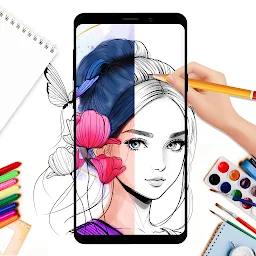
AR Drawing: Paint & Sketch helps users overcome creative blocks by leveraging AR. It allows users to trace real-world objects onto their drawing surface, transforming everyday scenes into unique artwork with a more engaging process.
How to Install
To install, locate the download button or link on this page. Follow the on-screen prompts on your device to complete the download and installation. Once finished, open the app and follow any initial setup instructions.
Why Choose
Trace real objects
Incorporate real-world elements into your art by using your device's camera, offering a novel way to create distinctive sketches from familiar surroundings.
Explore themes
Access a variety of subject categories, such as nature or anime, to find inspiration and practice drawing different styles, aiding in skill development across diverse topics.
Record process
Document your artistic journey by creating video clips of your sketching and painting, useful for sharing progress or reviewing your techniques over time.
Is It Right for You?
Choose It If
- You want to trace
- You like themes
- You enjoy recording
Think Twice If
- You need offline use
- You prefer traditional art
Good to Know First
- The app utilizes AR technology, which may require specific device capabilities.
- Some features might be best utilized with a stable internet connection for uploading and sharing.
The Bottom Line
This application suits individuals looking to blend AR with their creative process for novel tracing and sketching. Those seeking traditional, offline art tools might find other options more fitting.